Sign in once with SSO.
Access everything
Uniqkey SSO lets employees sign in with the Microsoft account they already use at work. They get simple access to their passwords and shared credentials in one secure vault, while IT keeps control over authentication, access and recovery. Everything stays protected in Europe.

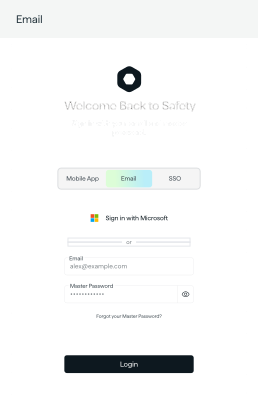
Reveal your password

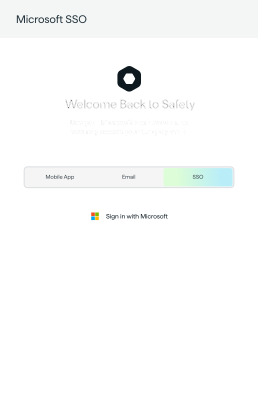
Sign in with your work account

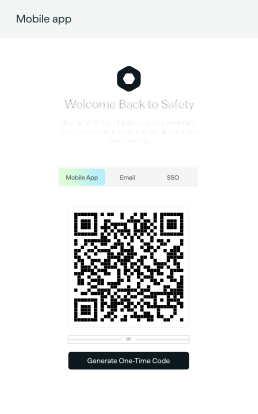
Generate a one-time code

Try Microsoft sign-in, reveal a password, or generate an example code
Entra ID handles access
Uniqkey protects what SSO does not.
Your identity provider controls who can sign in. Uniqkey protects the passwords, shared accounts and business tools that sit outside SSO coverage. With Single Sign On in Uniqkey, employees can use their existing work identity to access their secure vault – without creating or remembering another password.
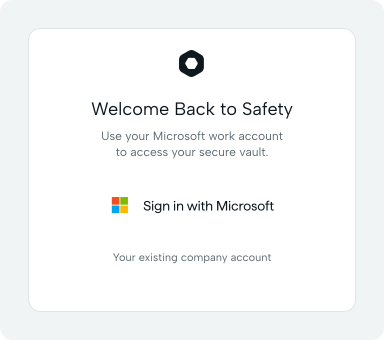
Existing identity
Let users access Uniqkey with their existing company account, creating a smoother and more familiar login experience..
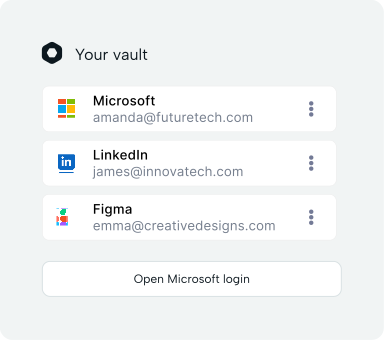
Passwordless
Employees have one less password to remember, while Uniqkey continues to protect the credentials and services they use every day.
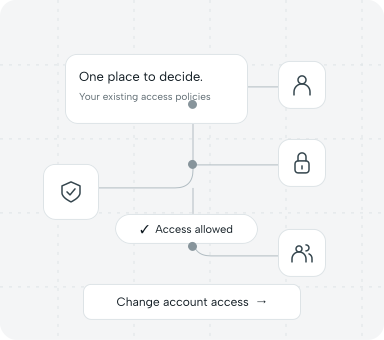
Centrally managed
Manage who can access Uniqkey through your organisation’s identity provider and existing access policies.
Make onboarding feel effortless
Getting new employees started should not require long setup flows or extra passwords. Uniqkey SSO helps new users get access faster by allowing them to sign in with their existing company identity during onboarding. Minimal work, major impact - the essence of Uniqkey. New users can open their invitation, select SSO and authenticate with their company account. Uniqkey creates the user account and required browser credentials in the background, so employees can get started without creating a separate Uniqkey password. By removing the need for a separate Uniqkey password, IT can reduce onboarding questions and password related support tickets.
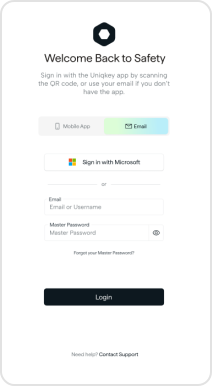
Faster first login
Automatic account setup
Less support from day one
One SSO login.
Full control from a single platform.
Everything IT needs to manage access securely – built into the same platform your employees use every day.
Microsoft Entra ID integration

Connect Uniqkey to your Entra ID tenant using just your Tenant ID. Your existing Microsoft setup becomes the authentication layer for Uniqkey - no rebuild, no parallel system, no migration.
Conditional Access enforcement

Your Microsoft Conditional Access policies apply directly to Uniqkey. Control exactly who can reach the vault, and under what conditions, without duplicating rules across systems.
Phoneless, browser-based access

Uniqkey SSO is designed specifically for phoneless users. Authentication happens entirely in the browser - no mobile app required. Employees on managed workstations get a seamless login from day one.
Configurable session lifetime

Administrators set how long an SSO session remains valid before employees must re-authenticate with Microsoft. Balance your organisation's security requirements with the day-to-day experience of your team.

Automated provisioning with SCIM

Pair SSO with SCIM to automate user lifecycle management end to end. Uniqkey stays in sync with Microsoft Entra ID - no manual steps, no access that outlasts employment.
Bring simplicity and security together.
Uniqkey SSO removes password friction for employees while giving IT strong control and protection.
Sign in once
Employees use their Microsoft account, nothing more to remember.
Access everything
All passwords and secure notes in one encrypted vault.
Stay in control
Use Entra ID Conditional Access and automatic deprovisioning.
Single Sign On lets employees access Uniqkey with their existing corporate identity. It removes the need for a separate Uniqkey password and gives IT a simpler way to manage authentication.
Uniqkey SSO is built for organisations that want to simplify onboarding, reduce password fatigue and support phoneless users who authenticate directly in the browser.
No. SSO simplifies access where it is supported. Uniqkey protects the services, shared accounts and credentials that sit outside SSO coverage.
No. The identity provider only verifies that the user is allowed to access Uniqkey. It does not get access to stored passwords, secrets or vault data.
Uniqkey currently supports Microsoft Entra ID for Single Sign On.
Yes. Mobile authentication can still be used for employees who need it. SSO is designed specifically to support phoneless users and browser based authentication.
If local browser credentials are lost because of a new computer, browser change or cleared browser data, the user can request SSO recovery. An admin must approve the request before access is restored.
Yes. Admins can configure session lifetime and define when users need to authenticate again.
Yes. For organisations using Microsoft Entra ID, SSO can work with Conditional Access policies such as MFA, trusted locations, compliant devices and risk based authentication.
