

From manual restrictions
to reusable policies.
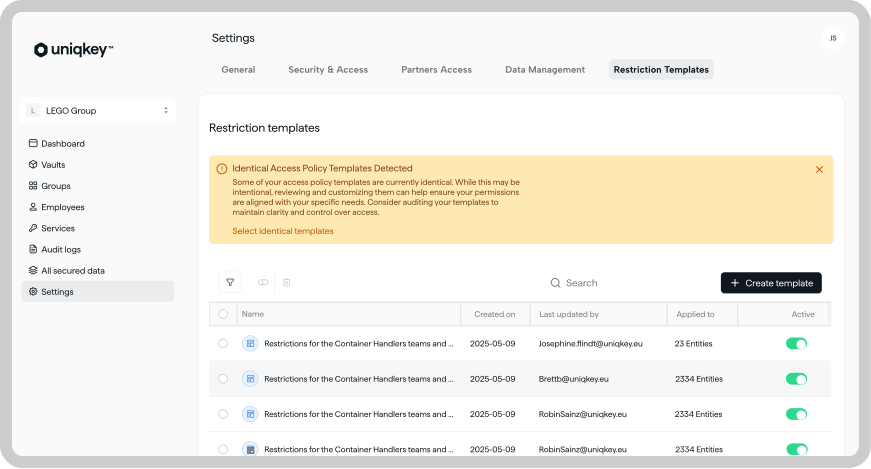
Build your security rules once – IP, time, and geo-location – and apply them across as many groups as you like. No more recreating the same restrictions for every team, and no second-guessing whether they're all in sync.
Access Policy gives you one source of truth: a single place to see exactly which restrictions are in place, where they apply, and who set them up.
IP address restrictions
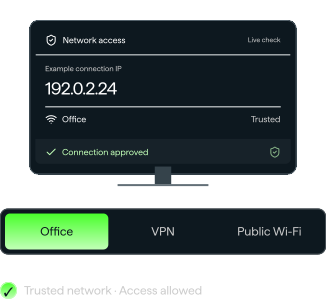
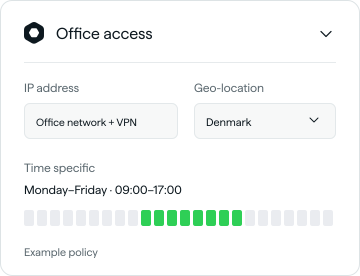
Only allow access from your office network, VPN, or other trusted environments. Block everything else, automatically.
Time-specific restrictions
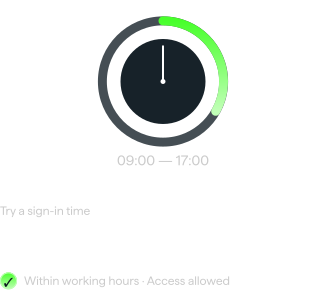
Limit access to defined working hours, so sensitive logins aren't sitting unprotected at 2am.
Geo-location restrictions
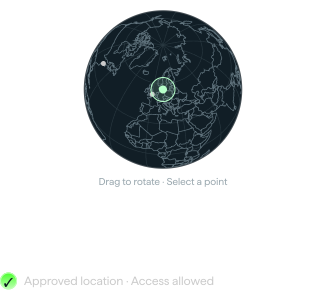
Restrict access to a specific region, city, or office – and keep accounts out of reach for anyone connecting from somewhere they shouldn't be.
Interactive examples. Try different networks, times, and locations to see how access changes.
Apply access policies
across multiple groups.
Apply access policies across multiple groups.
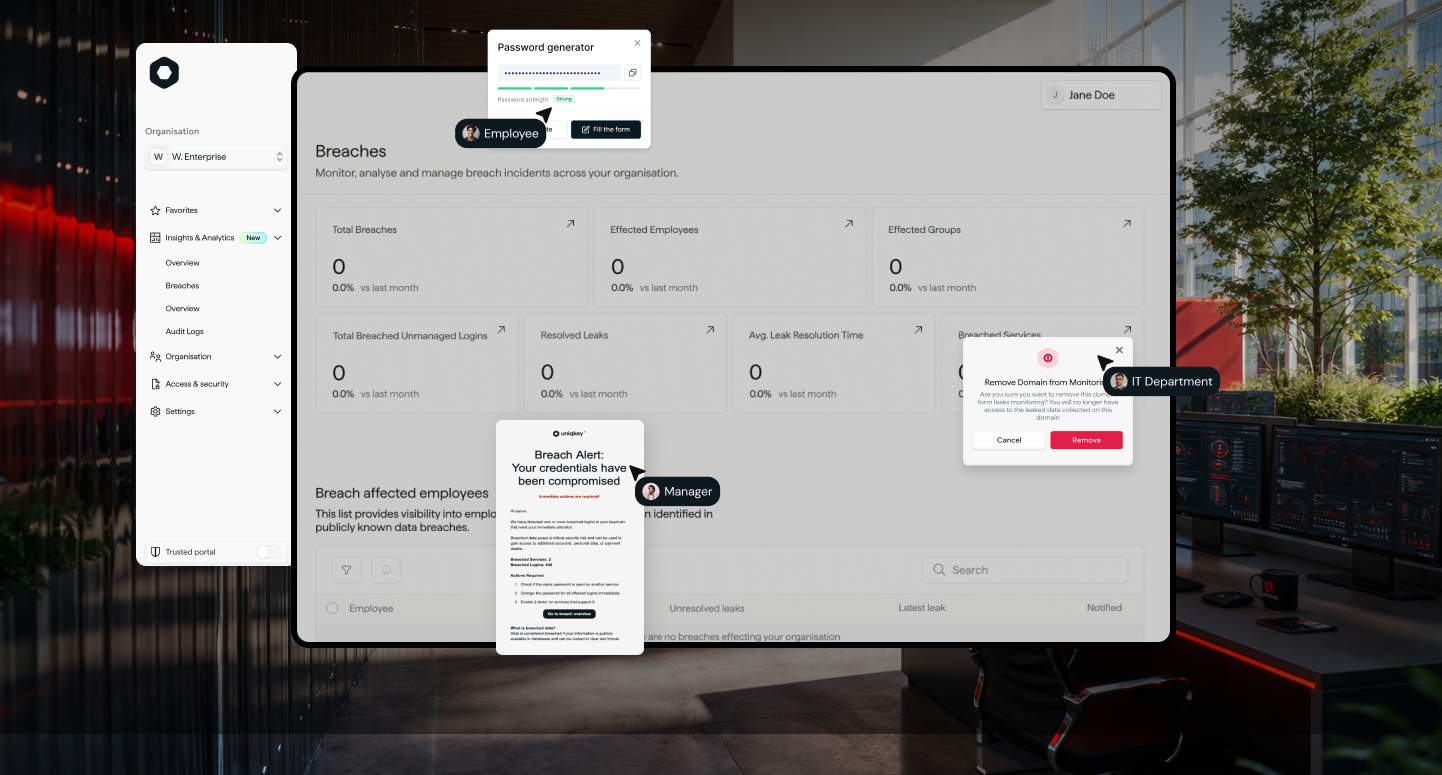
No more checking whether every team got the memo – if the policy says office hours only, every group it's attached to follows it, every time.

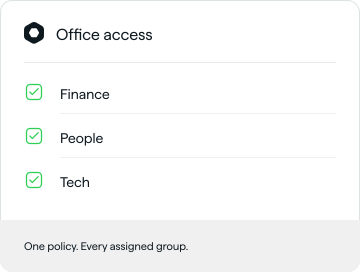

Create reusable access policies once
Bundle your trusted IP addresses, working hours, and approved locations into a single policy, instead of re-entering the same settings group after group. Set it up once, reuse it for as long as it's relevant.
Keep access policies audit ready
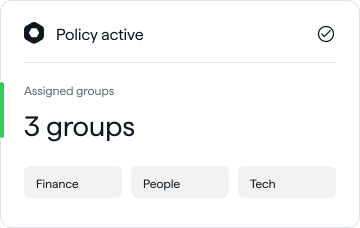
See exactly which groups each policy applies to, who created it, and when it was last updated – so when an auditor (or your CISO) asks “where are we restricting access?”, you've got the answer in seconds.


Security that fits the way
your organisation actually works.

Lock sensitive accounts to working hours.
Payment logins and banking portals stay protected outside business hours — no after-hours access to second-guess.

Keep contractor access inside trusted boundaries.
External developers and freelancers only ever connect through the company VPN, however many suppliers you work with.

Anchor HR and payroll to a single country.
The most sensitive logins in the business stay reachable only from where your team actually operates.

Layer restrictions for your highest-risk accounts.
Combine IP and time-based rules for admin-level access, so your most privileged logins get your strictest protection.

Mirror your footprint, office by office.
Multi-region organisations keep every local team's access anchored to its own region, without managing it city by city.
Still have questions?
No problem.
Access Policy lets admins build reusable sets of restrictions - covering IP address, time, and geo-location - and apply them to multiple groups at once, instead of setting restrictions inside each group individually.
IT and security admins who manage access across several teams or groups and want consistent, auditable rules without repeating the same setup over and over.
Yes. That's the whole point. Build the policy once, then assign it to as many groups as need it. Update the policy, and every group it's attached to updates with it.
Yes. Access policies can restrict users based on IP address, time, and location. This allows you to control where and when sensitive accounts can be accessed, for example by limiting access to trusted office networks, approved regions, or defined working hours. You can also combine multiple restrictions in a single policy and apply that policy across multiple groups for more consistent access control.
Access policies can help organisations document and demonstrate how access restrictions are enforced as part of broader GDPR, NIS2 and DORA compliance efforts.
